Living main menu
A title screen that's alive
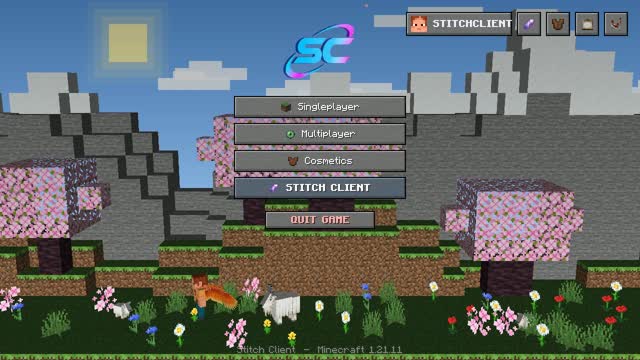
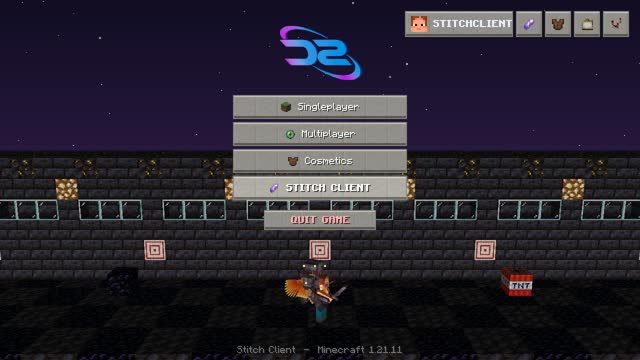
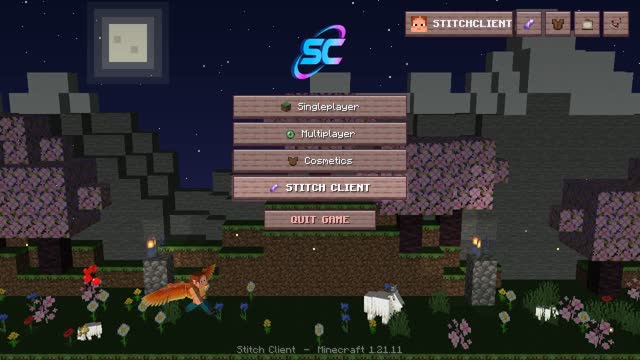
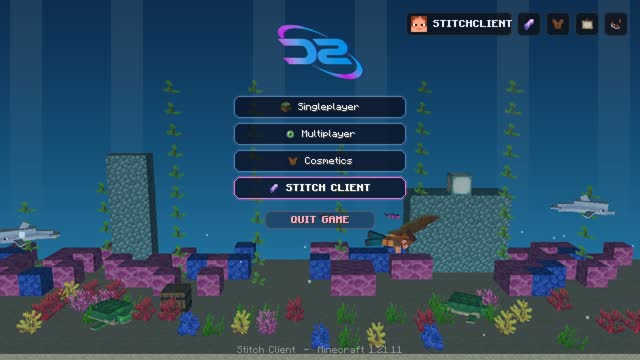
Your main menu becomes a tiny animated world — feed goats on the mountain, meet the Warden, or wander a village. 14 scenes, and your character shows off your cosmetics.
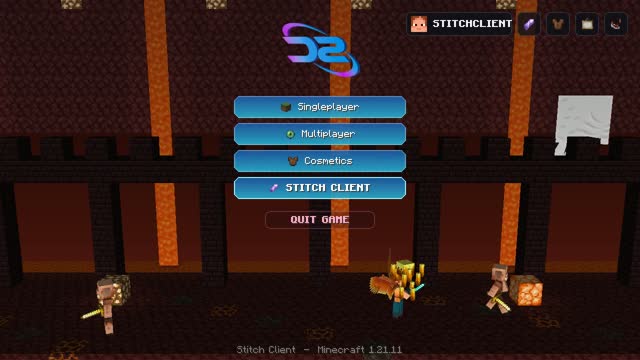
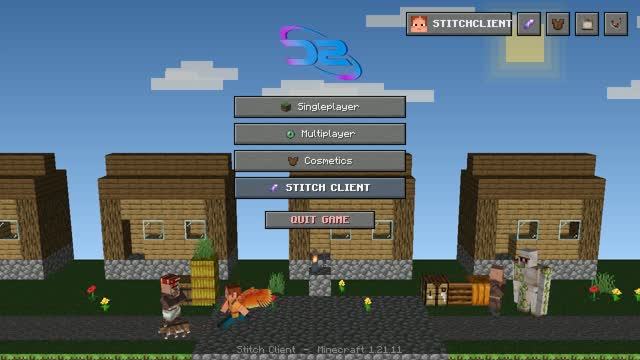
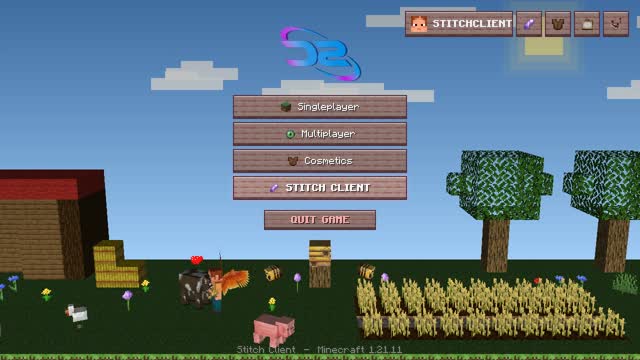
120+ modules in one smooth menu: a clean HUD, wings, capes, pets, kill effects and a full Halloween mode.
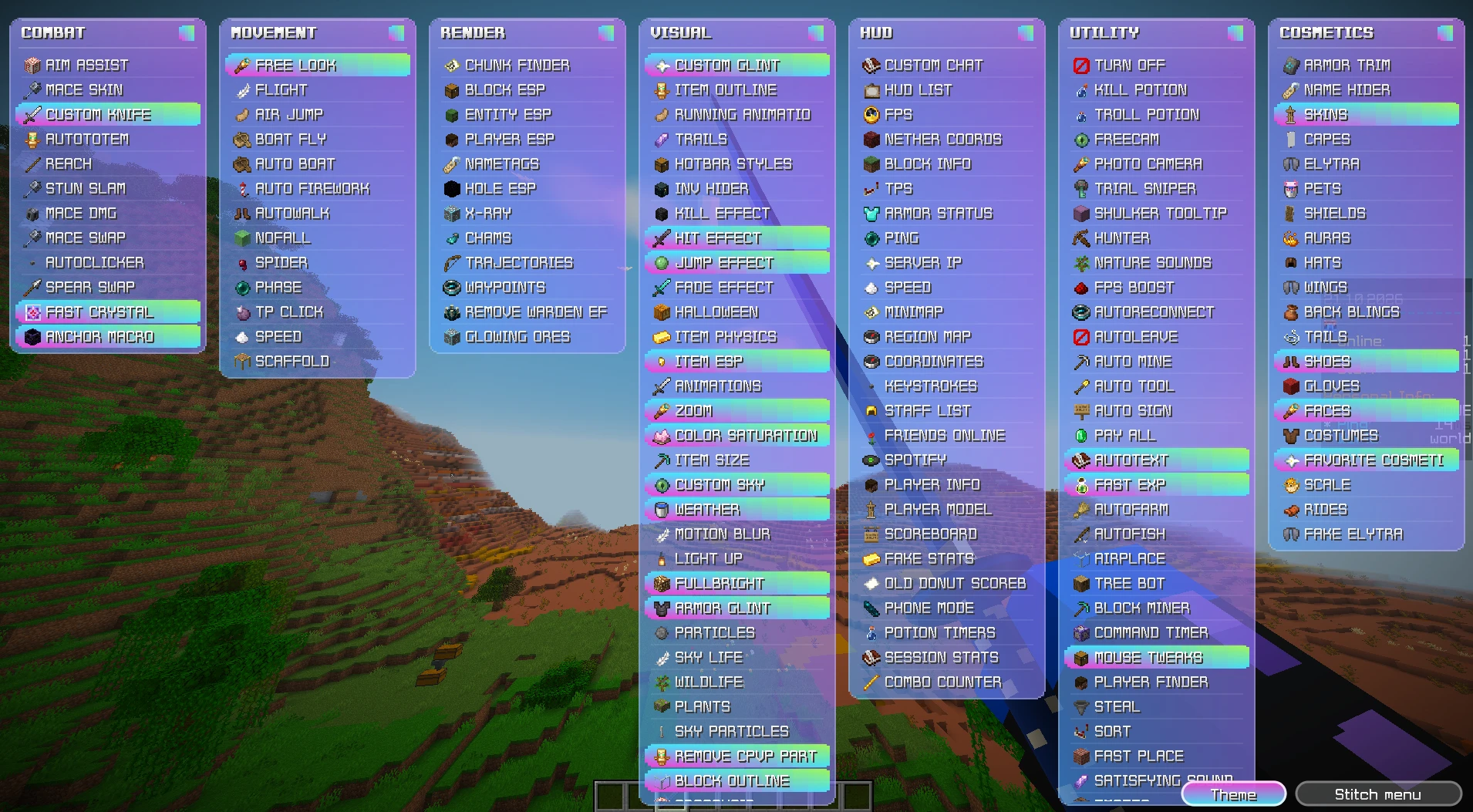
Every part of Stitch Client is built to feel smooth: open the menu, click a module, done.
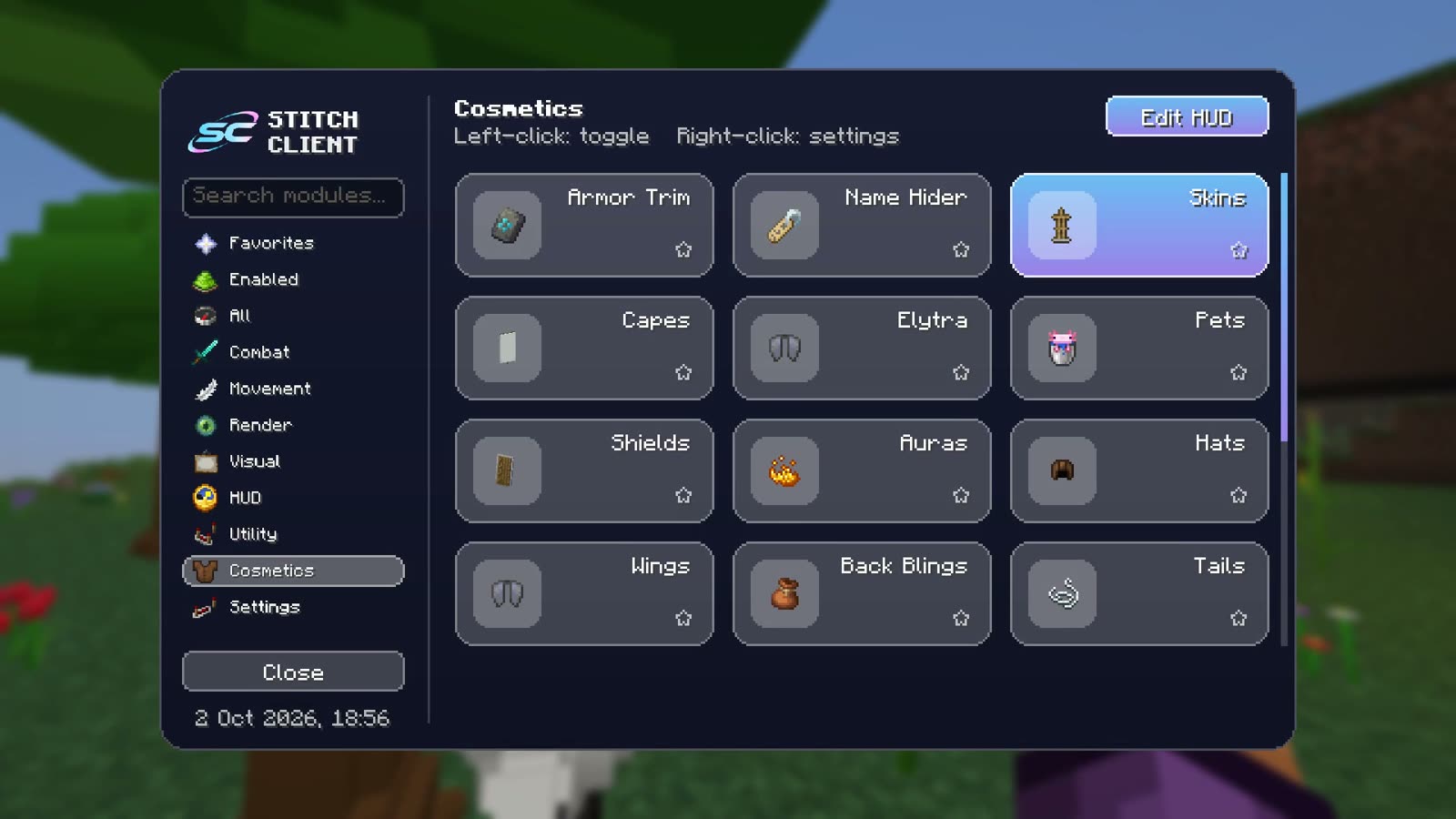
Every module in one place, sorted by category, with search and keybinds.
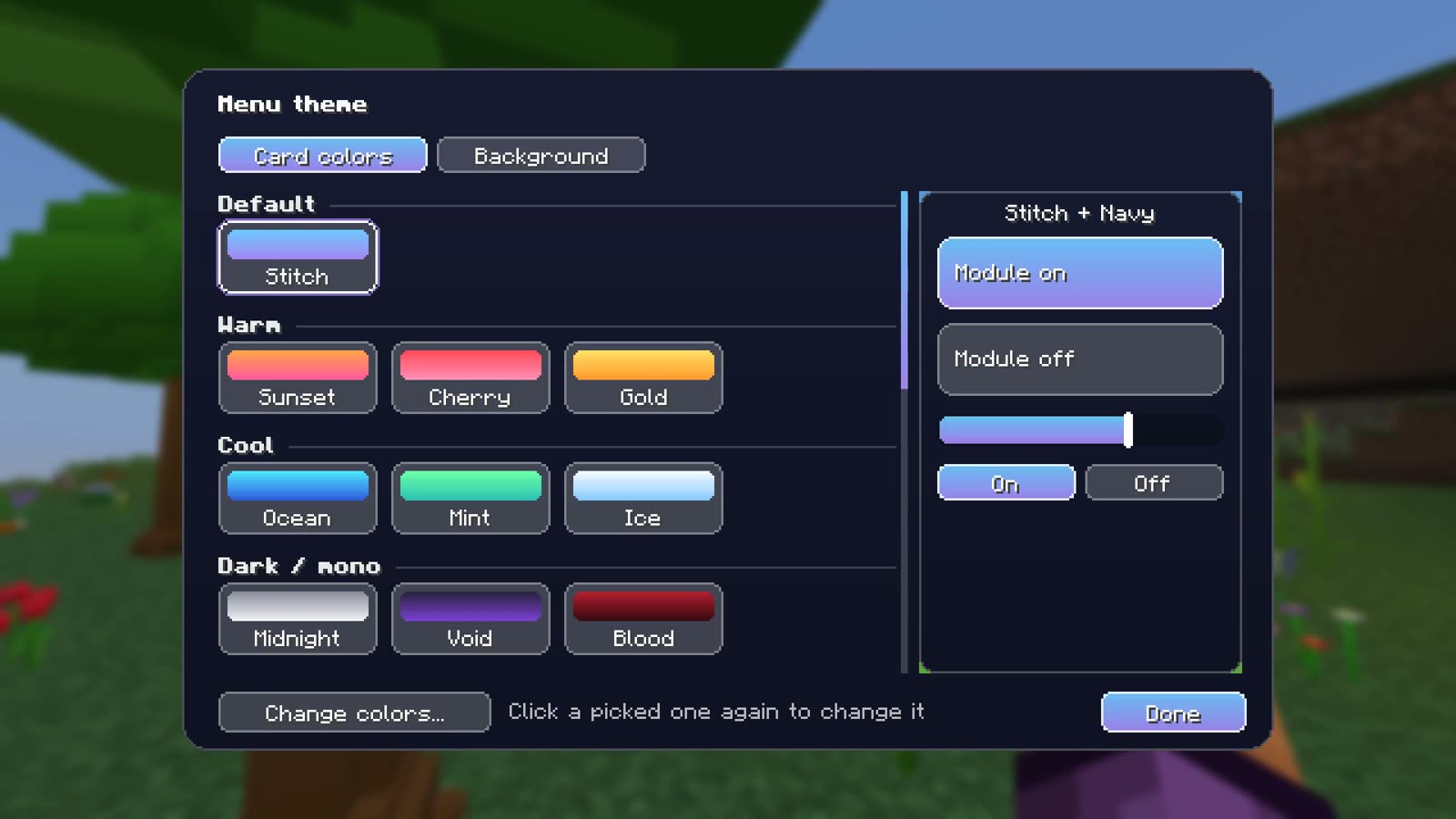
Gradients, glass or solid: pick yours.
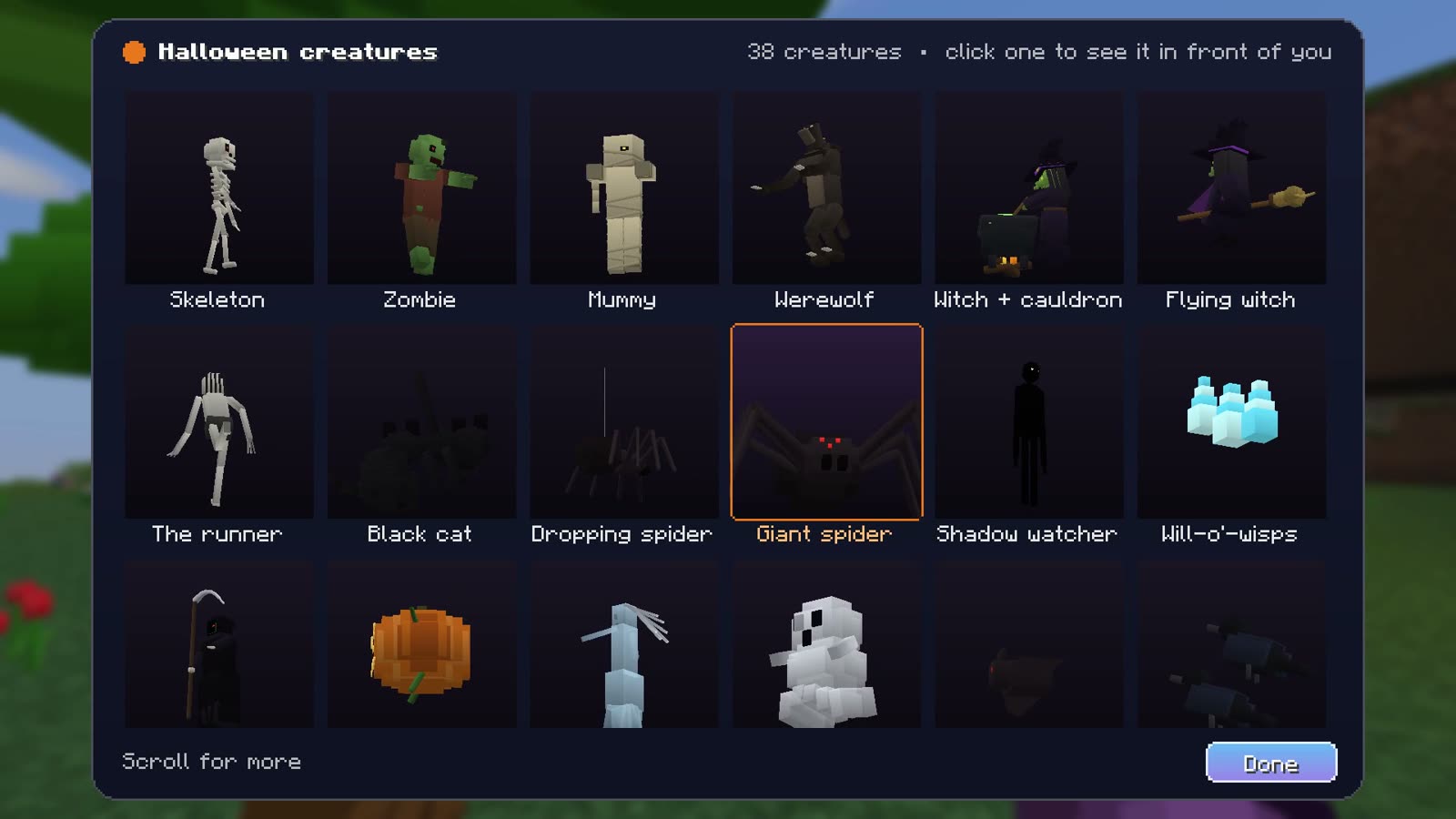
See every creature in 3D and spawn one in front of you.
Your main menu becomes a tiny animated world — feed goats on the mountain, meet the Warden, or wander a village. 14 scenes, and your character shows off your cosmetics.
38 looks for every HUD element — solid, glass, glow, gradient or animated. A taste below, and you can pick any color yourself.
Type an in-game name to load that skin. Then try on wings and costumes, and play emotes and running animations.
Your sword becomes a real knife in your hand — only you see it. Drag to turn, scroll to zoom.
Real screenshots from Stitch Client. Pick a tab, then click through the menus.
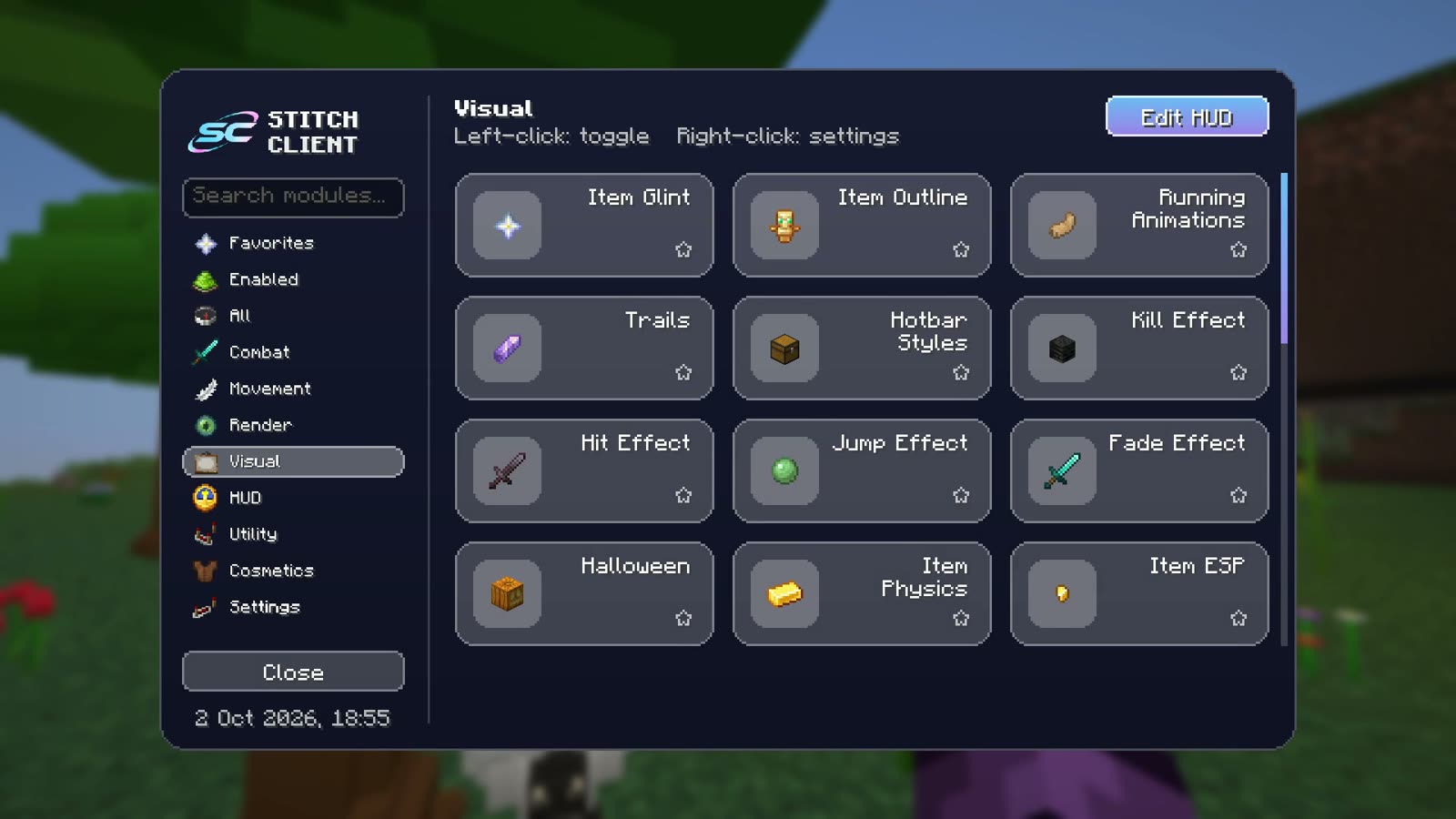 Visual modules
Hover over (or tap) a card to play it. All filmed in real Minecraft.
Over 70 skies — realistic space, anime, auroras, galaxies, lantern nights and more. These are the real in-game previews.







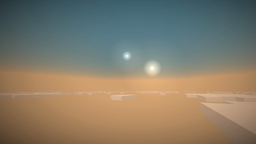





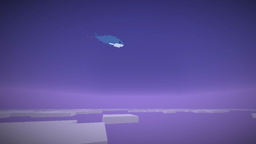
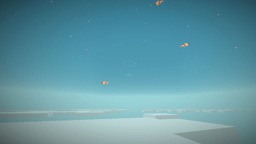
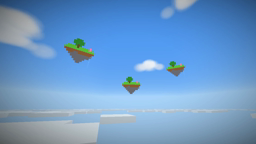


Taken in real Minecraft with Plants, Wildlife, Sky Life and Color Saturation turned on.
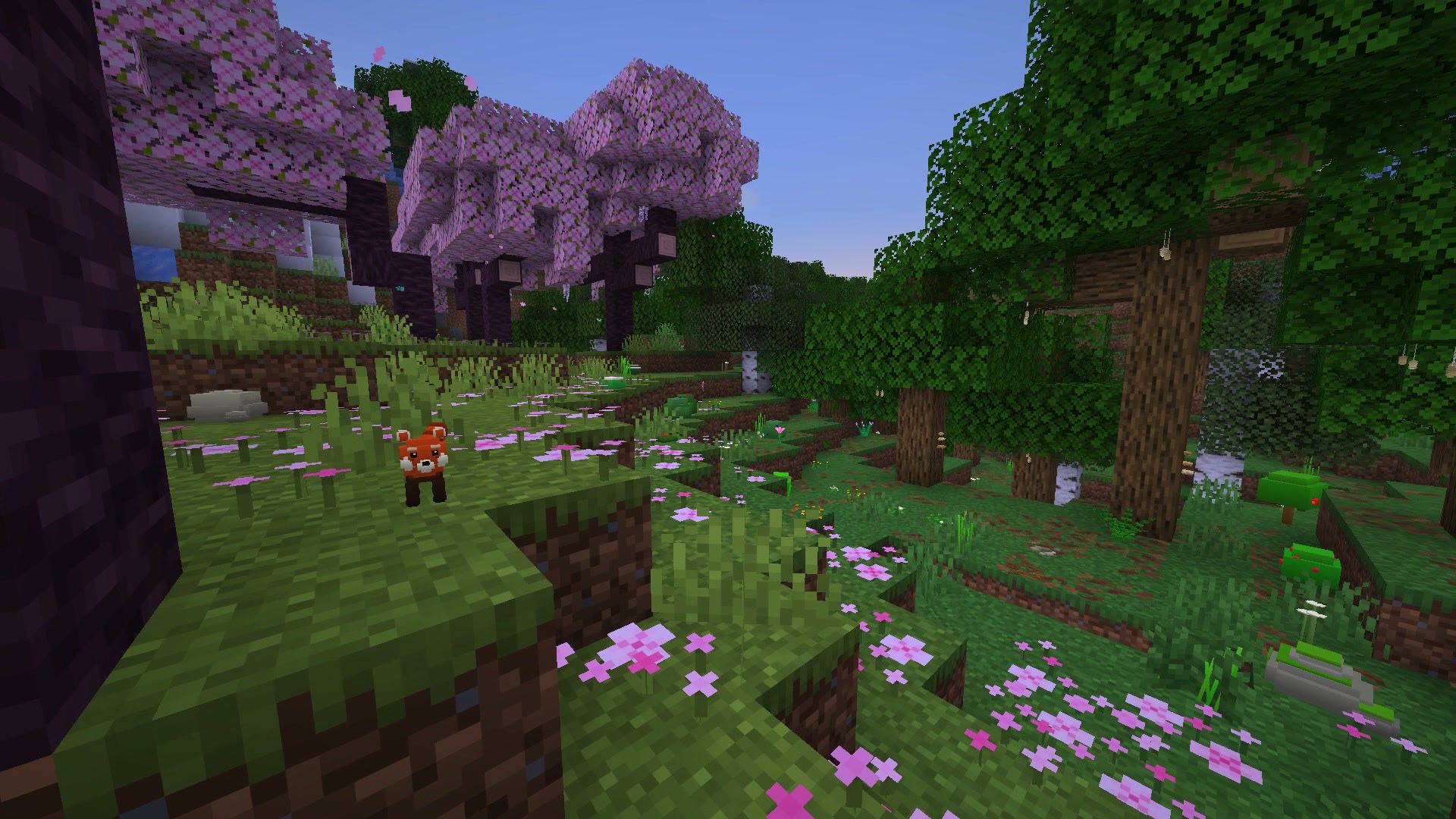
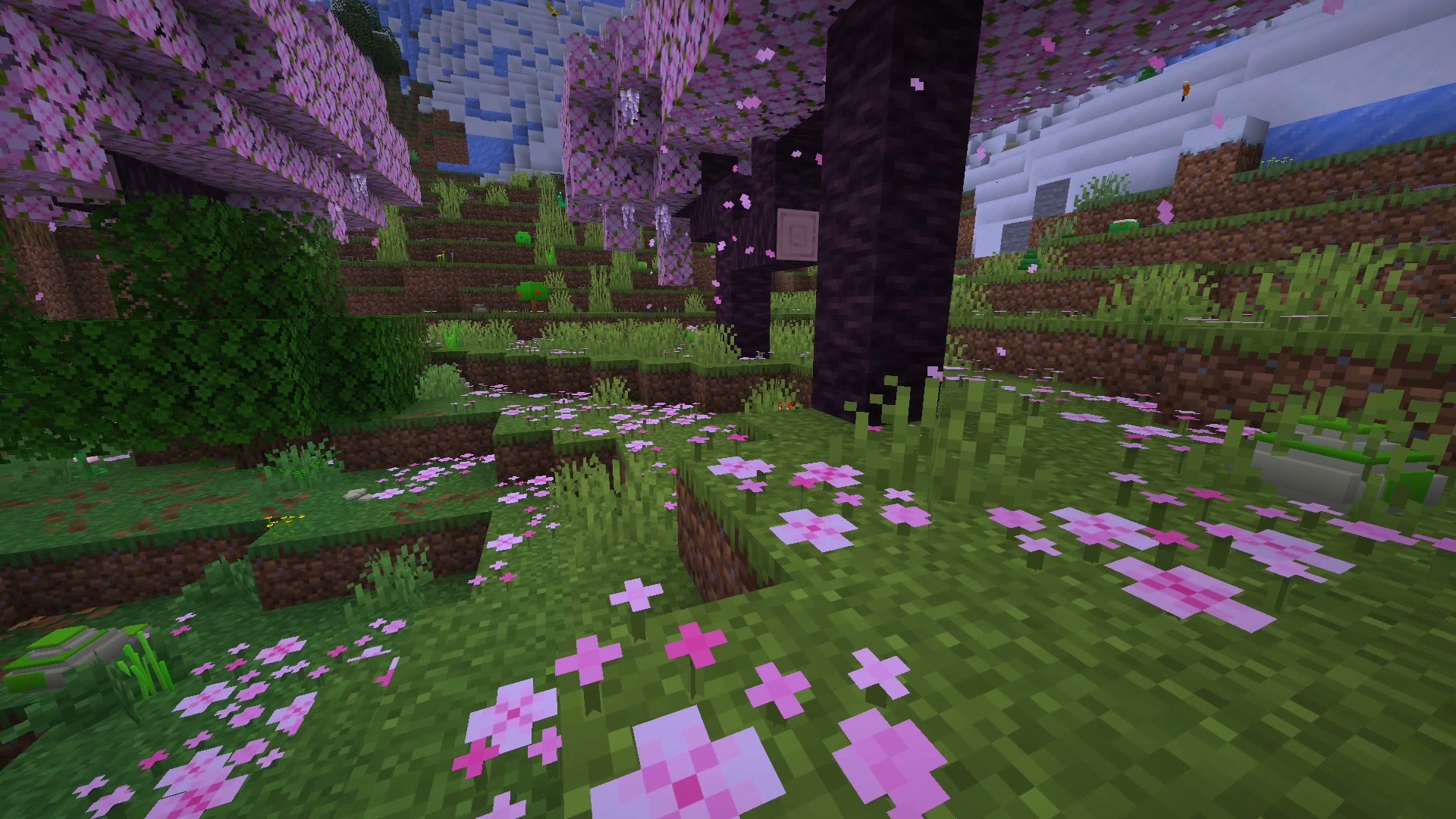
A peek at what's inside. Switch every module on or off, and give it its own key.
No module found. Try another word.
...and many more inside the client.
Install the Fabric Loader for Minecraft 1.21.11, then put Fabric API in your mods folder.
Drop stitchclient_licensed-1.0.0.jar (you get this after buying) into the same mods folder.
Start Minecraft with the Fabric profile and press ] to open the menu.
One key, one PC. Buy on Discord and you get your key right away.
Every plan: 120+ modules, all cosmetics, all updates. One key works on one PC — see our Terms.
Want to buy, or need a hand? Open a ticket and we'll get back to you on Discord or by email.
Minecraft 1.21.11 with Fabric.
Stitch cosmetics show on your own screen. Your real Minecraft cape, which you can pick in the Capes menu, is seen by everyone.
Visual modules like themes, HUD and cosmetics only change your own screen. Some servers don't allow certain mods, so always check the rules of the server you play on.
No. Stitch Client even has an FPS Boost module, and every module you switch off does nothing at all.
