
Stitch Client packs 120+ modules into one smooth menu: a clean HUD, wings, capes, pets, kill effects, Spotify in-game and a full Halloween mode.
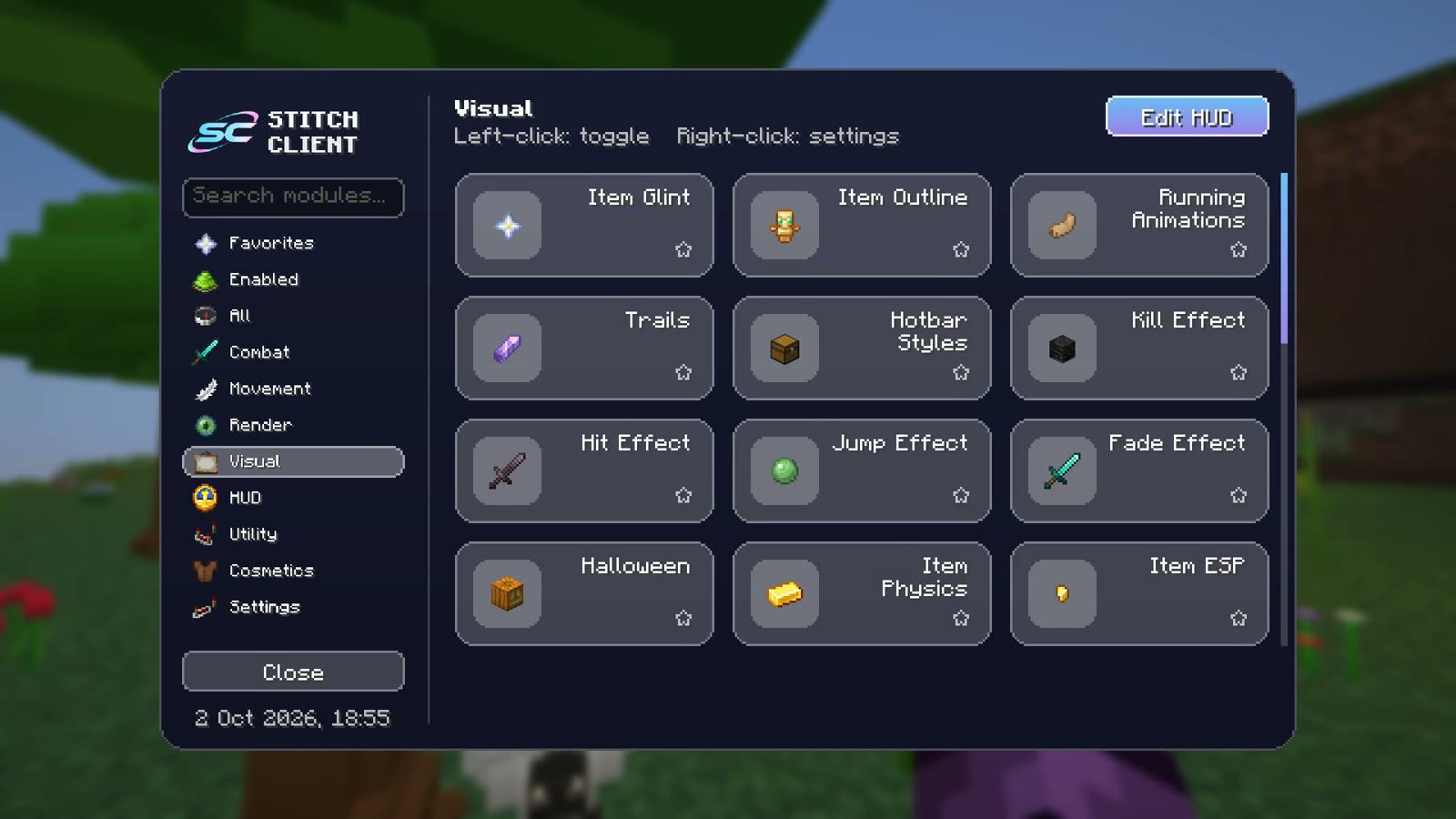
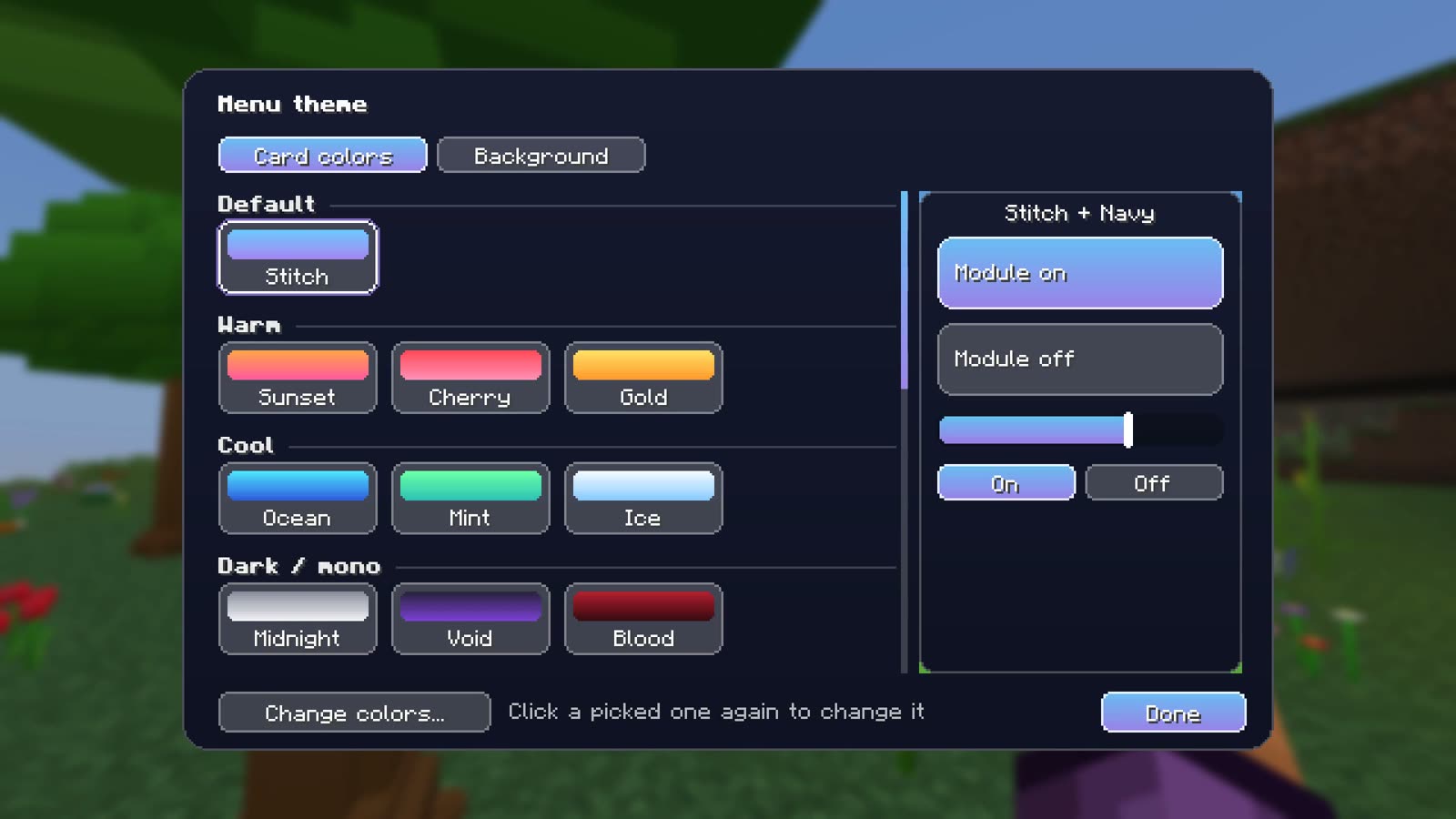
Every part of Stitch Client is built to feel smooth: open the menu, click a module, done.
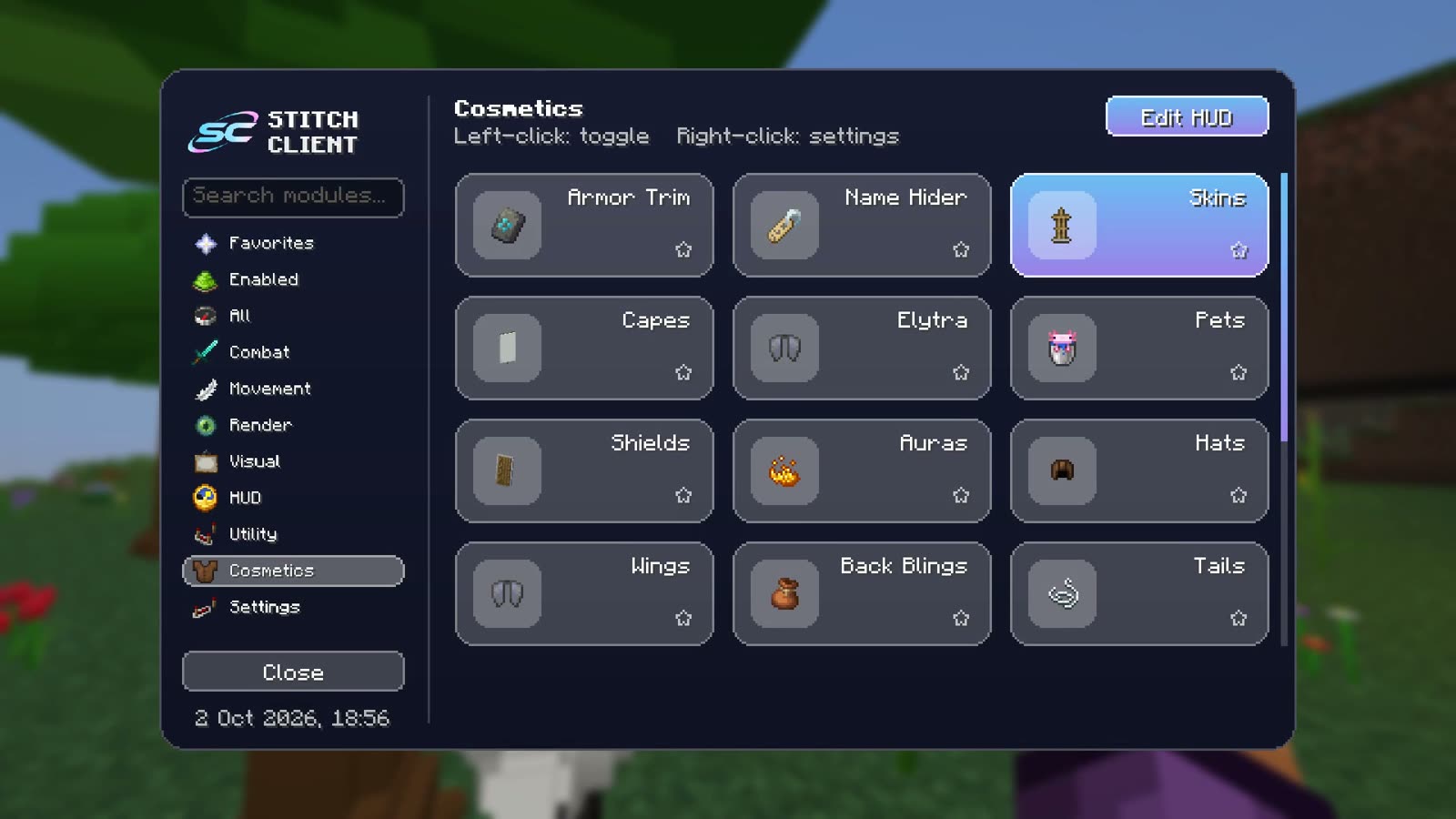
Every module in one place, sorted by category, with search and keybinds.
Gradients, glass or solid: pick yours.
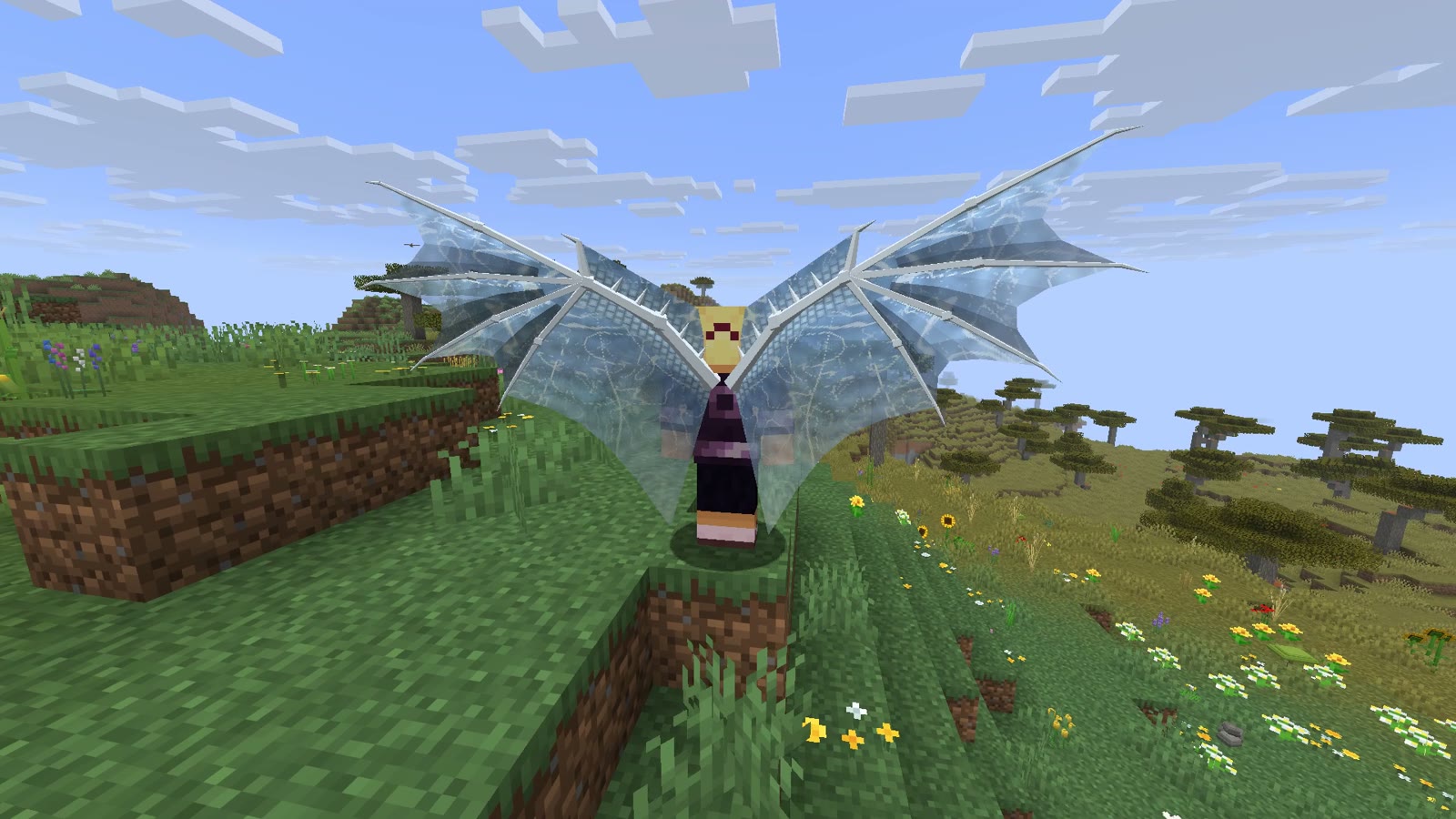
Feathers, dragons and butterflies that really flap.
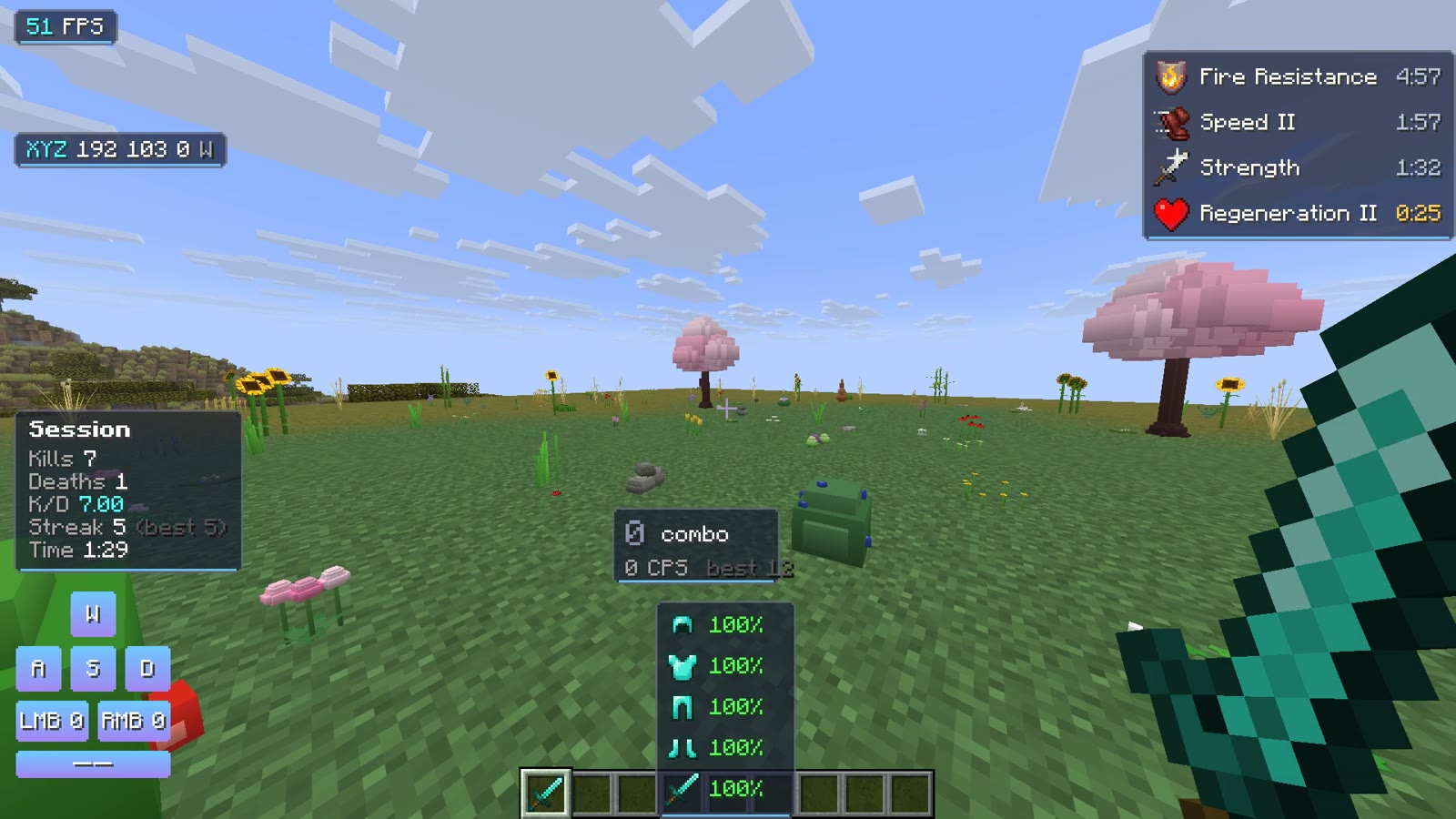
Potion timers, combos, keystrokes, armor and more.
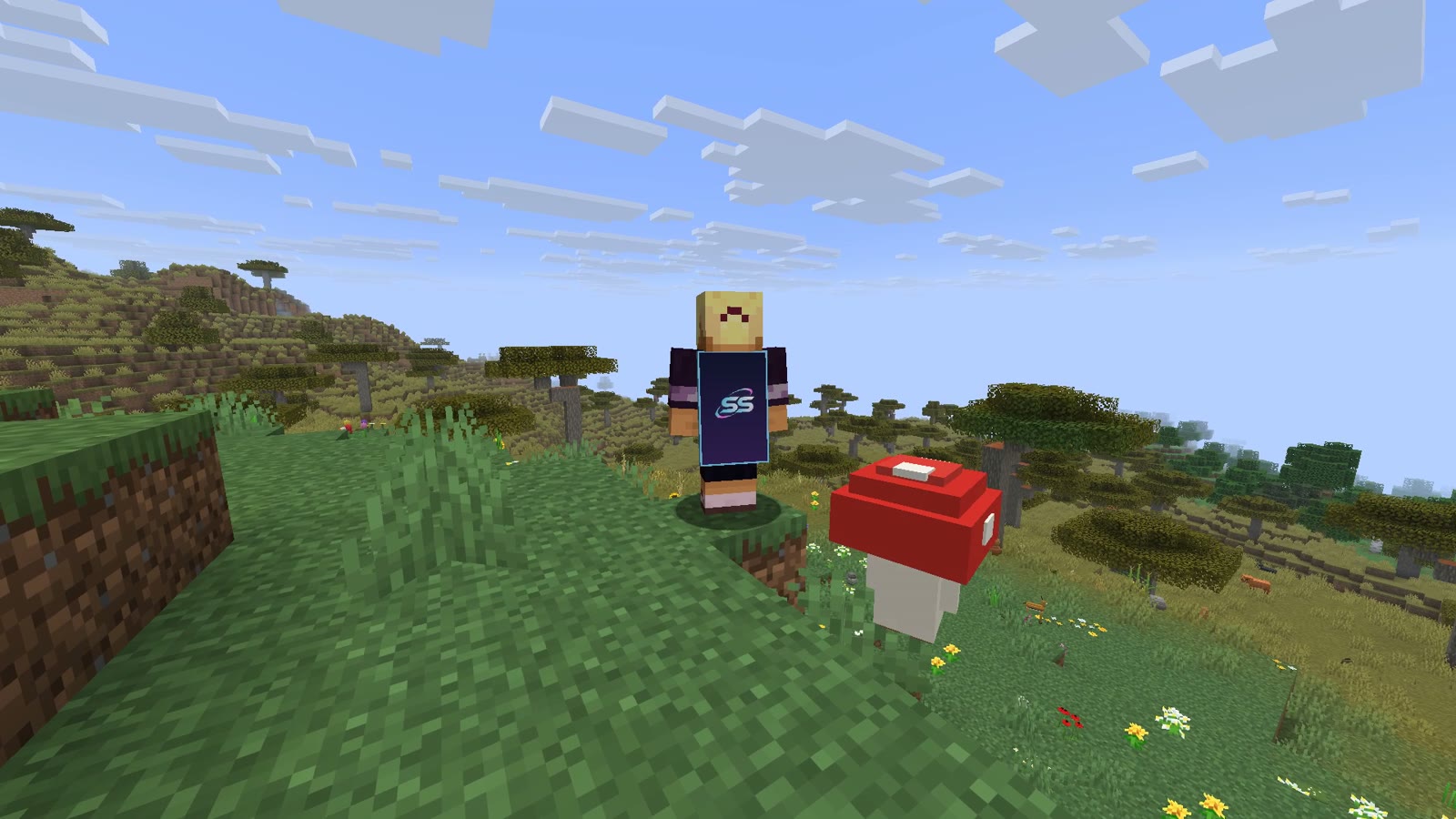
Capes, pets, auras, hats and shields.
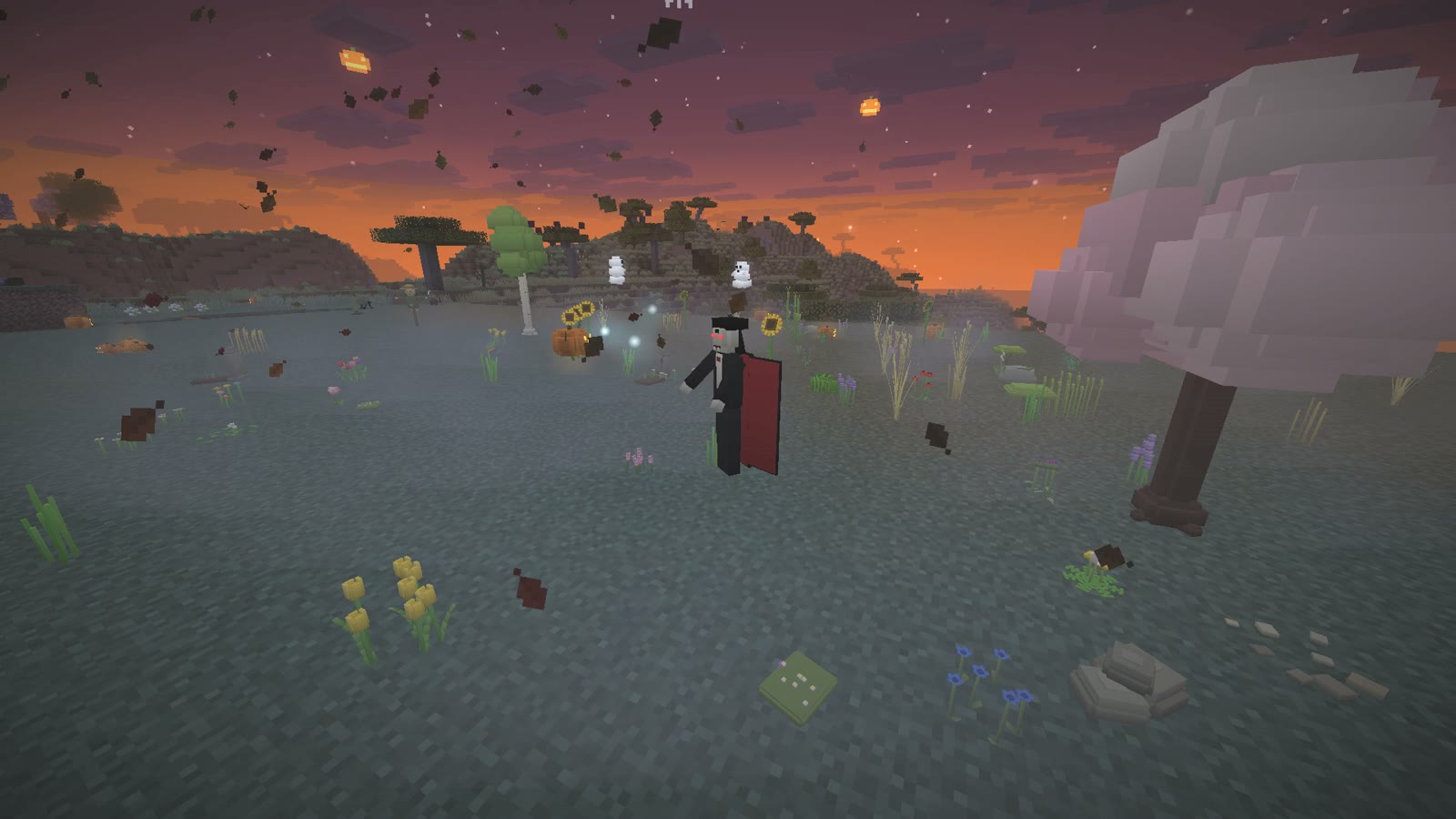
A blood moon, fog, falling leaves and 38 creatures roaming your world.
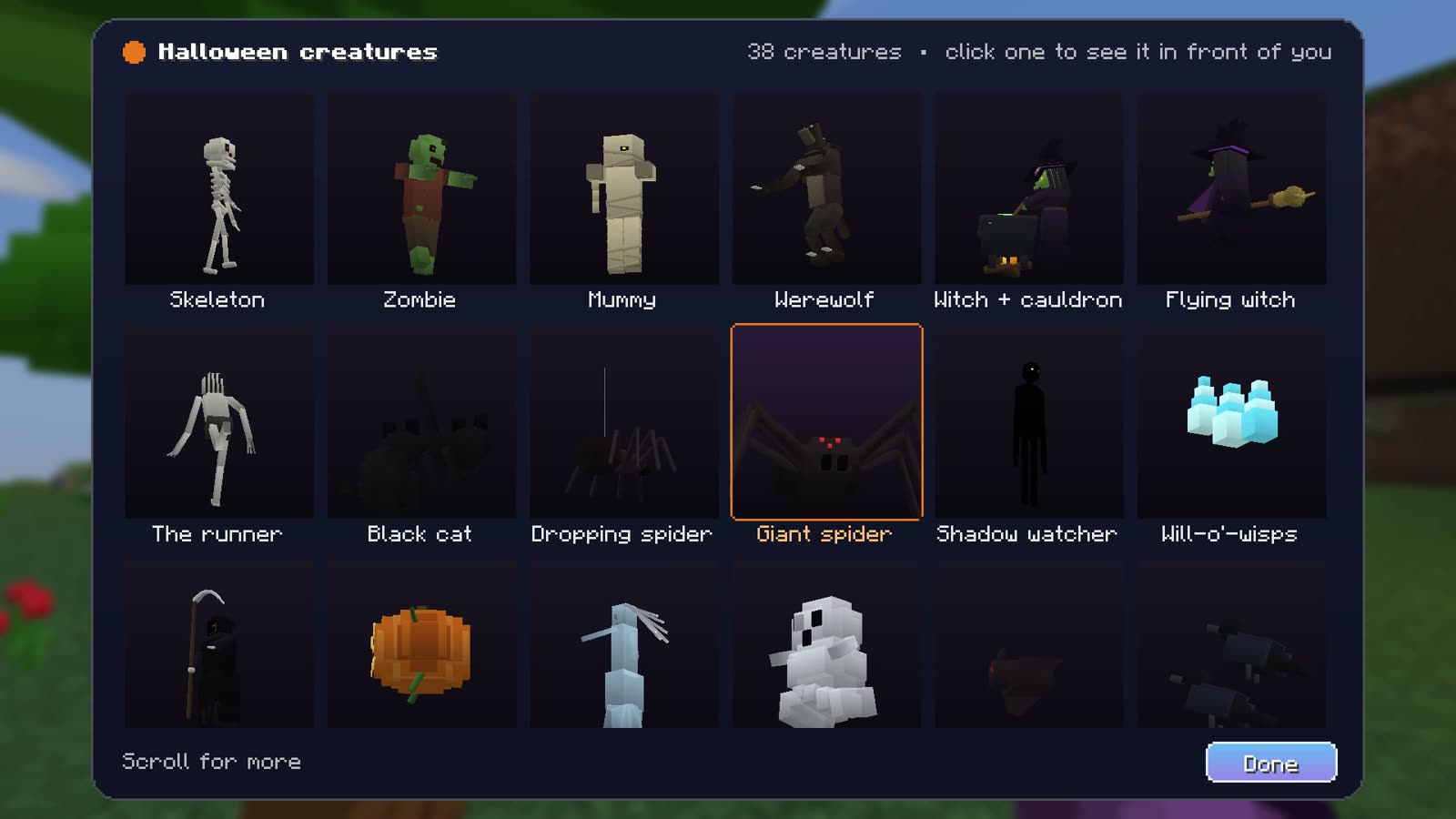
See every creature turning in 3D and spawn one in front of you.
Type an in-game name to load that skin. Then try on wings and costumes, and play emotes and running animations.
Real screenshots from Stitch Client. Pick a tab, then click through the menus.
Visual modules
Hover over (or tap) a card to play it. All filmed in real Minecraft.
Taken in real Minecraft with Plants, Wildlife, Sky Life and Color Saturation turned on.
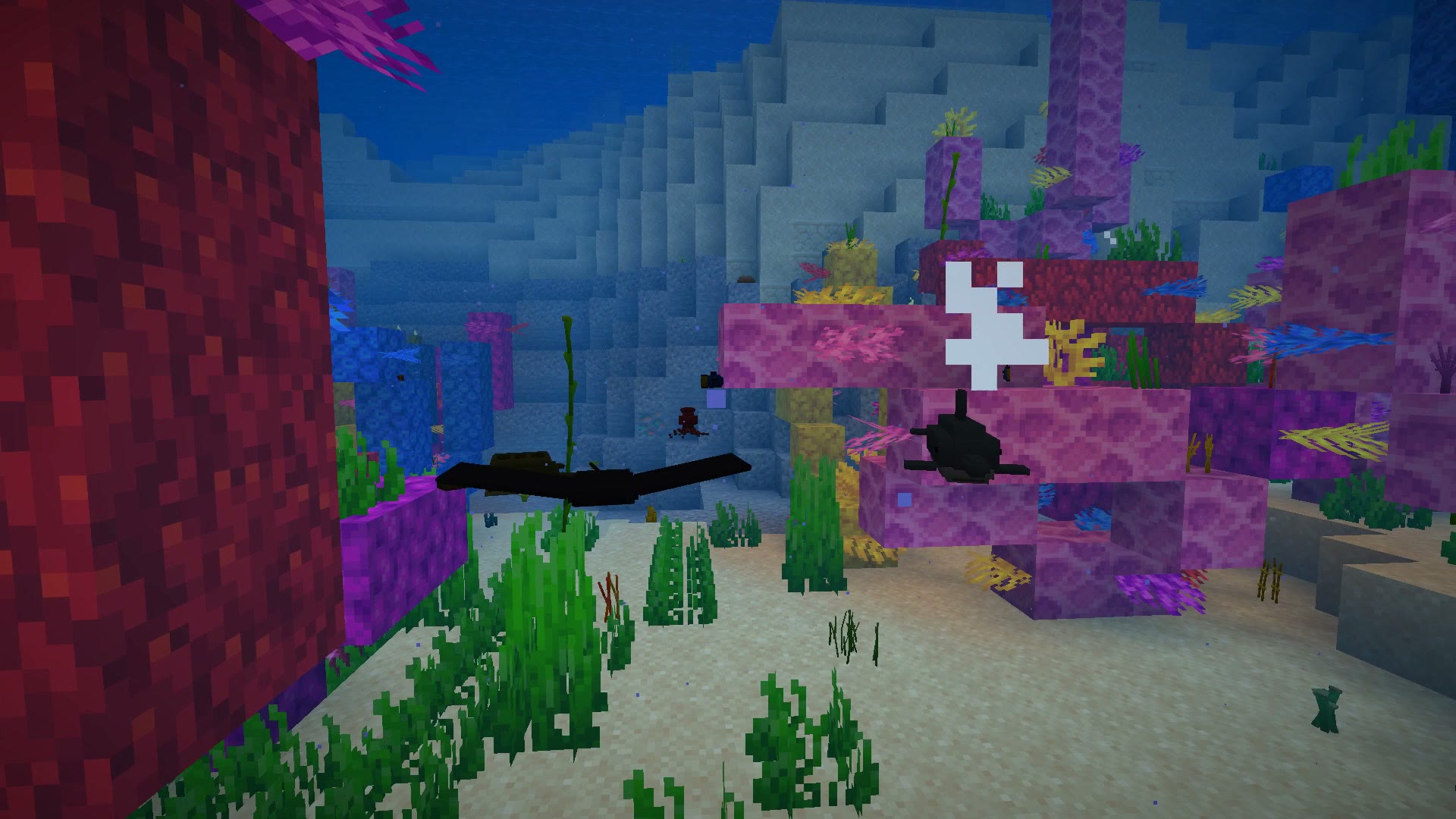
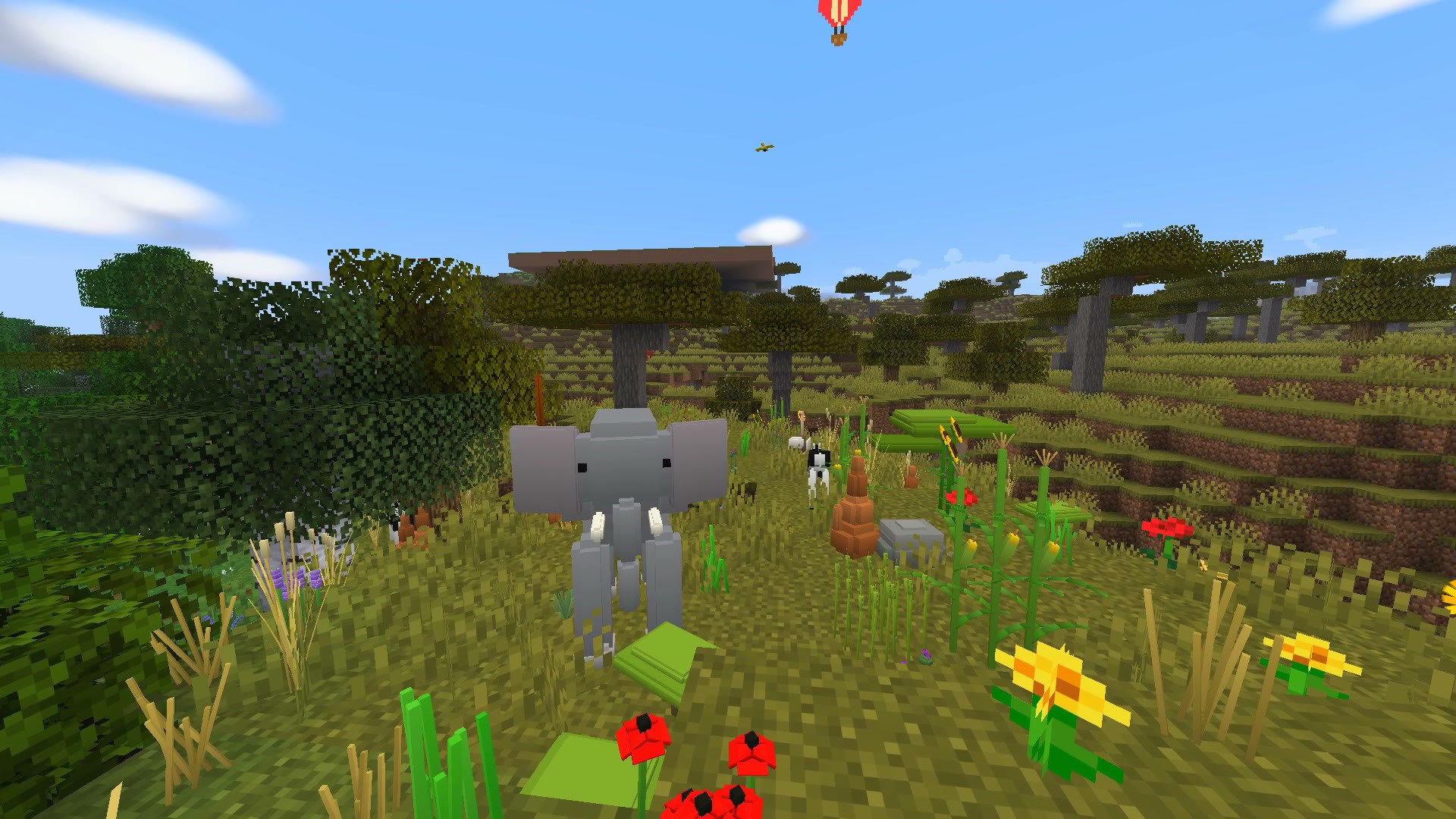
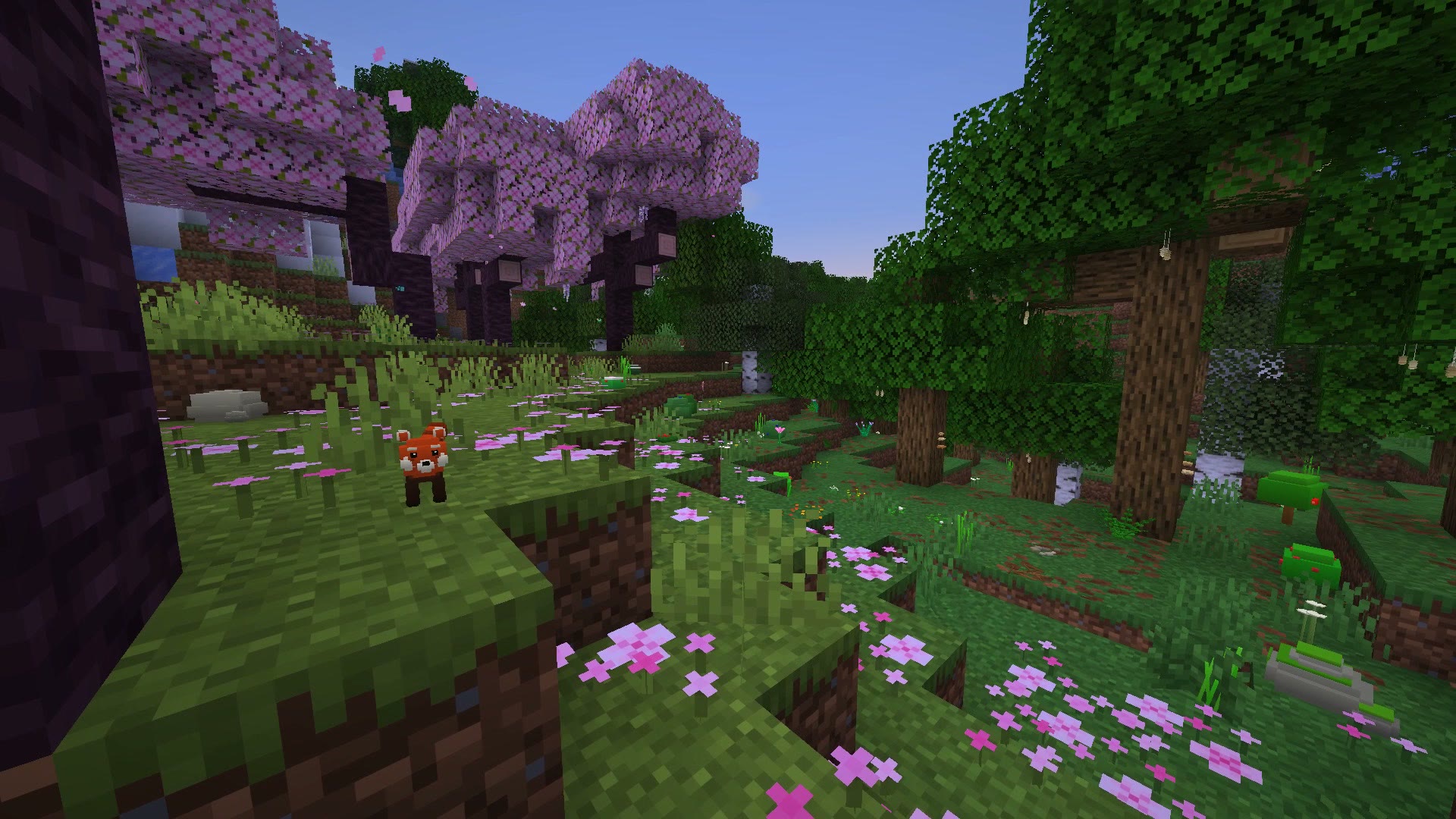
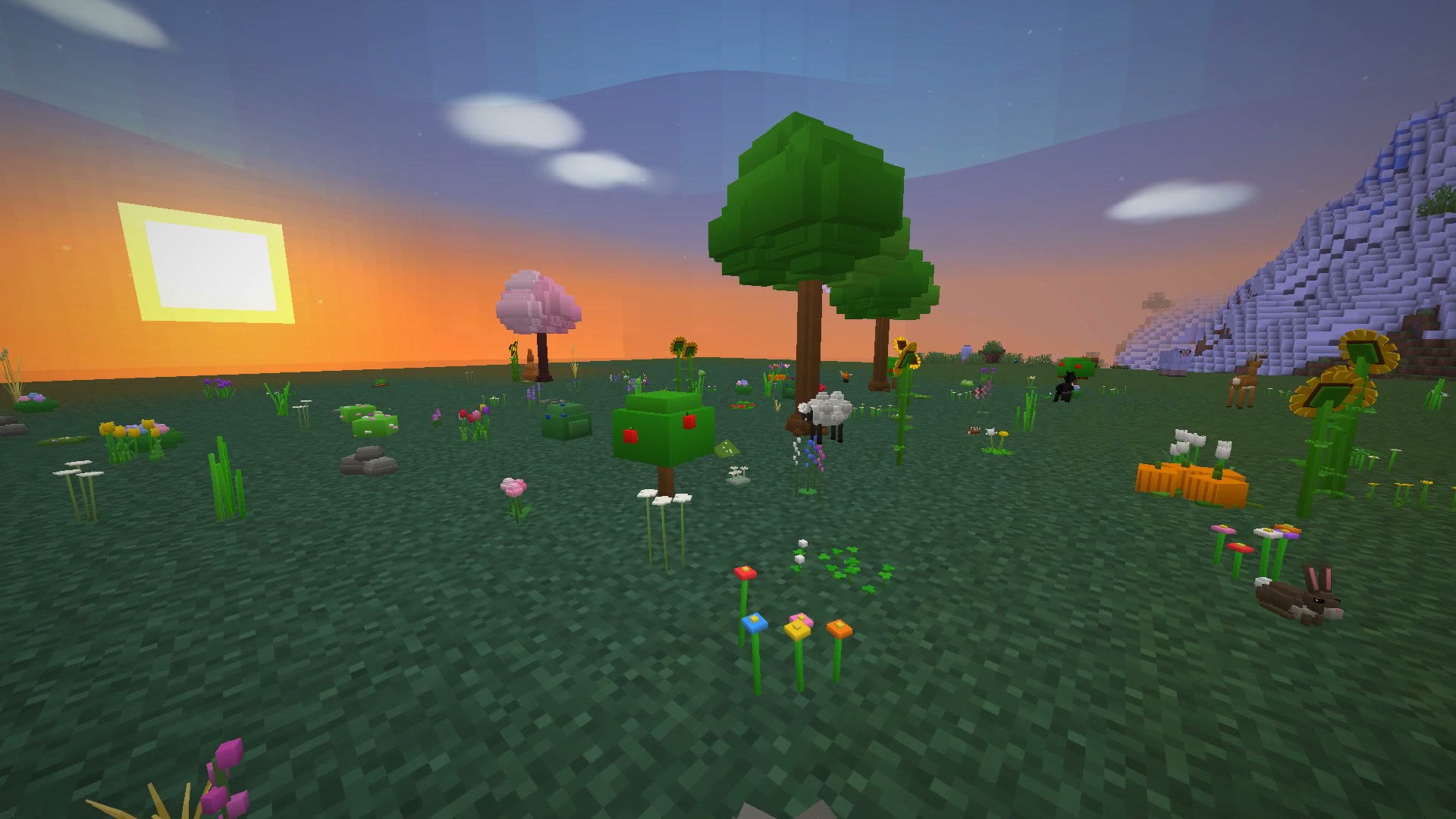
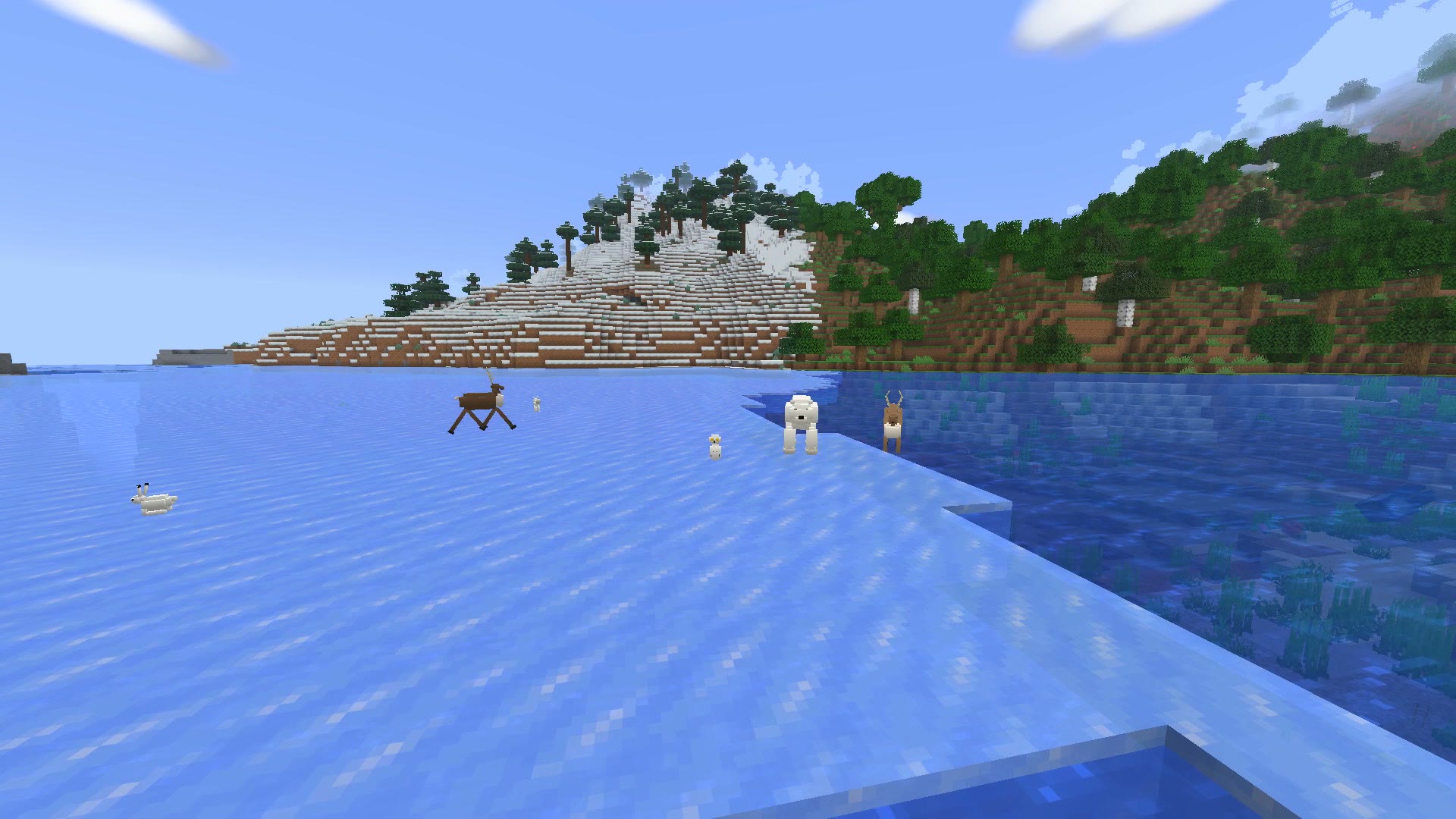
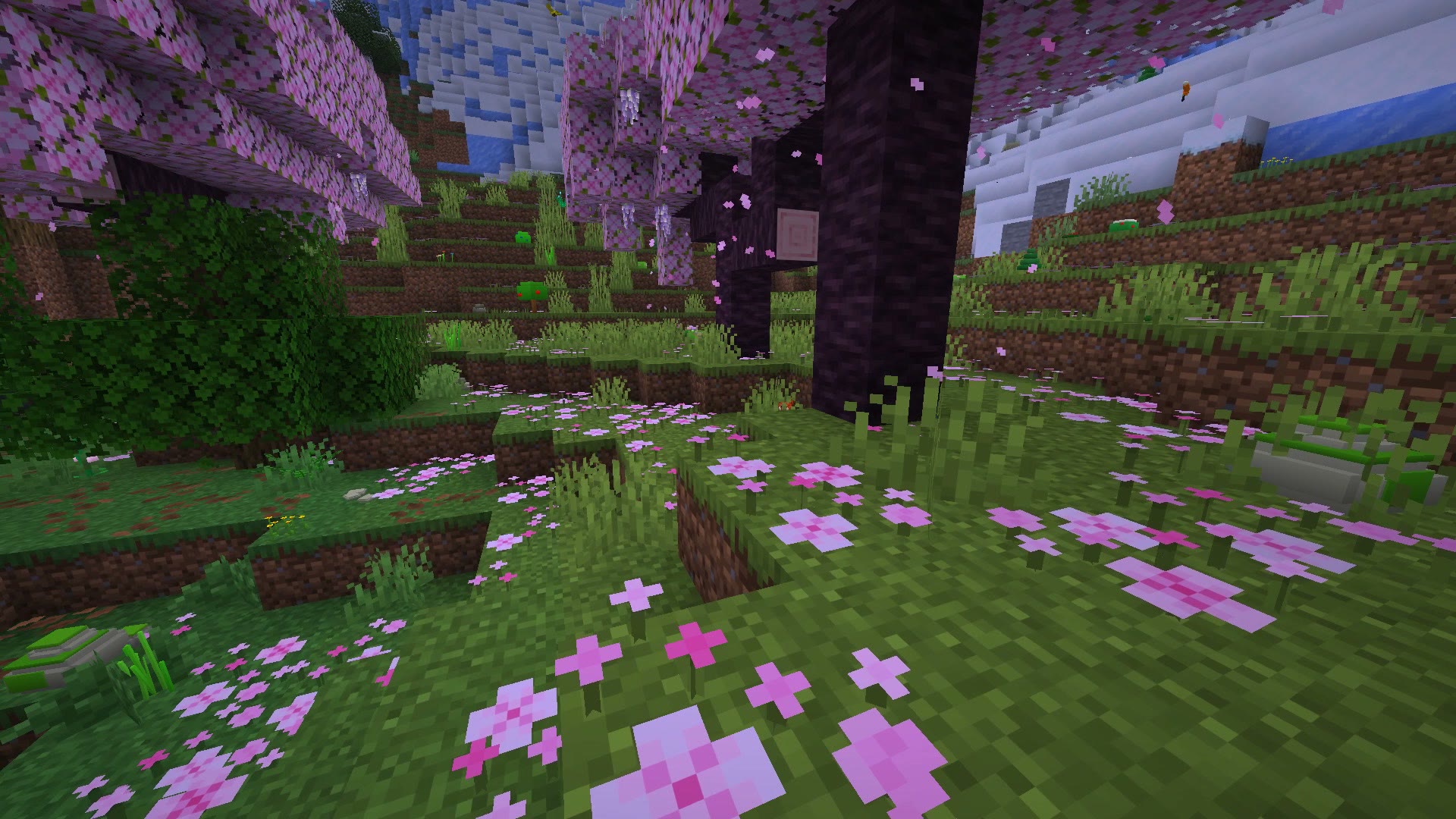
A peek at what's inside. Switch every module on or off, and give it its own key.
No module found. Try another word.
...and many more inside the client.
40 seconds, one module after another.
Install the Fabric Loader for Minecraft 1.21.11, then put Fabric API in your mods folder.
Drop stitchesp-1.0.0.jar into the same mods folder.
Start Minecraft with the Fabric profile and press ] to open the menu.
Minecraft 1.21.11 with Fabric.
Stitch cosmetics show on your own screen. Your real Minecraft cape, which you can pick in the Capes menu, is seen by everyone.
Visual modules like themes, HUD and cosmetics only change your own screen. Some servers don't allow certain mods, so always check the rules of the server you play on.
No. Stitch Client even has an FPS Boost module, and every module you switch off does nothing at all.